
RetroSpace Steam Deck Guide: Performance, Controls, Tips
Is RetroSpace Steam Deck ready? We gather launch-week community reports, developer answers, and official store data for the new disco-punk immersive sim.
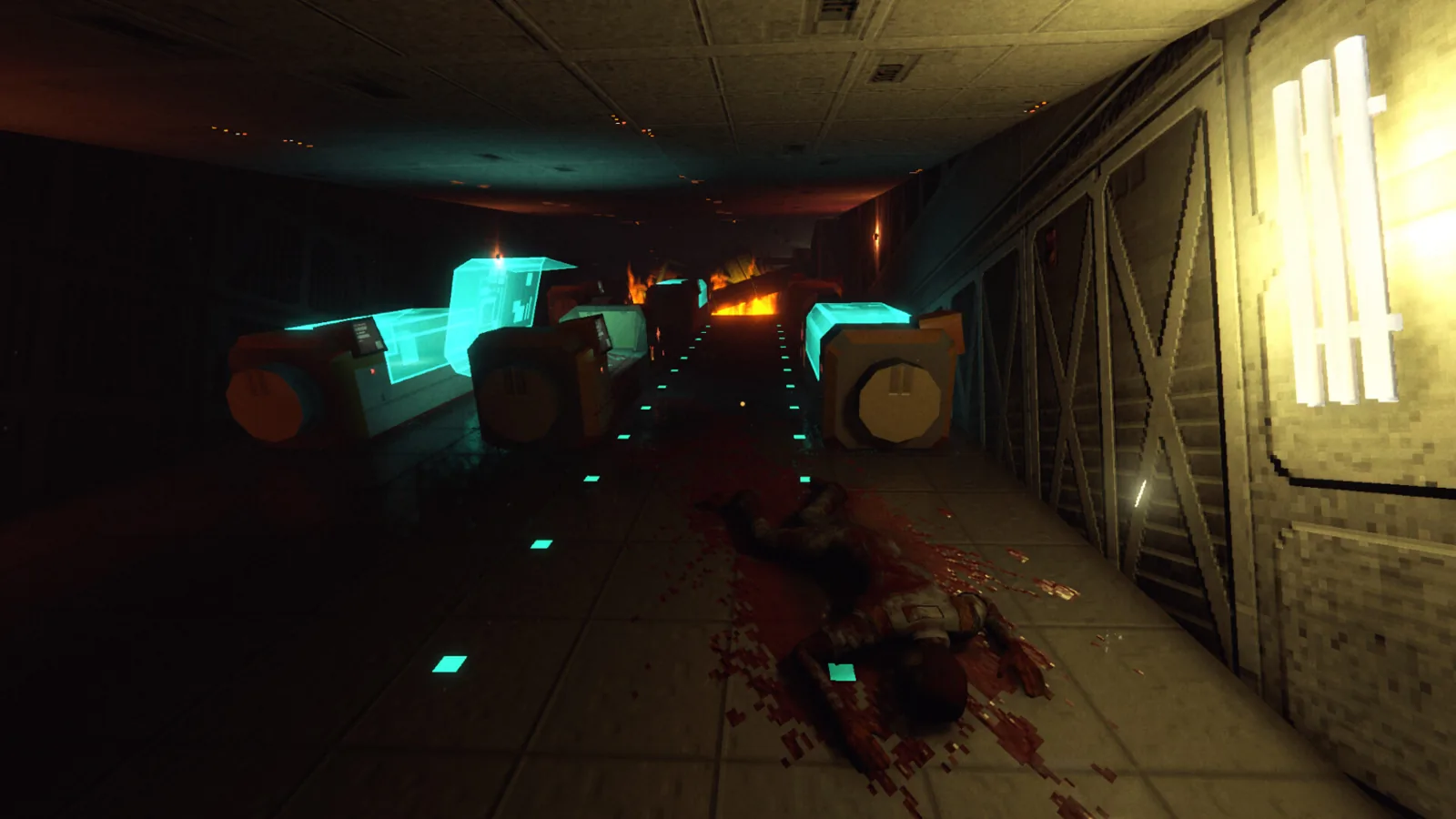
RetroSpace launched on October 1, 2026, and the retrospace steam deck question became one of the hottest topics on the Steam discussions hub within hours of release. The developer FAQ answers it with a simple yes, but launch-week community reports show the retrospace steam deck experience varies from player to player. This guide pulls together the official signals, the performance reports, and the settings players actually used in the first days after launch.
RetroSpace Steam Deck Status at Launch
The pinned developer FAQ, last edited on October 1, 2026, answers the question "Does the game support Steam Deck?" with a plain "Yes." That is the official position from The Wild Gentlemen, and it matches the game's full controller support, which the Steam store API confirms.
There is one detail worth knowing: the Steam store API lists RetroSpace as a Windows-only PC build, with no native macOS or Linux build. That means Deck owners play the Windows version through Steam's compatibility layer rather than a native Linux port, which is part of why real-world performance reports matter so much.
At launch the game costs $19.99, with a 10% introductory discount to $17.99 running until October 8, and a demo is available on Steam, though demo progress does not carry over to the full game. None of those details change compatibility, but they are worth knowing before you buy with a handheld in mind.
| Signal | What the sources say |
|---|---|
| Developer FAQ | Supports Steam Deck: Yes |
| Steam store API | Windows-only PC build, no native Linux |
| Steam store API | Full controller support |
| Launch platforms | PC, Xbox, PS5, Switch 2 pending |
The store page also lists Steam Cloud and Family Sharing among the features, which is convenient for players who jump between a desktop PC and a handheld. On the controls side, the Steam store API lists full controller support plus DualShock and DualSense controller support, alongside a Save Anytime category that is genuinely handy on a handheld: you can suspend your run wherever you are instead of hunting for a save point. As for Valve's official Deck Verified badge, our saved store page snapshot does not show one, so the status on that badge is not confirmed by our sources.
Community Performance Reports at Launch
Players started reporting Deck performance on launch day, October 1, 2026, and the reports split into two camps. One player said the demo ran flawlessly for three or four hours about a month before release, while several owners of the full game described a much rougher experience. The thread itself opened with a player asking whether Retrospace will perform or at least work on Steam Deck, and it gathered 22 posts within its first day.
| Player report | Steam Deck performance | Date |
|---|---|---|
| Full release player | Barely above 40 fps with dips to 20 fps | Oct 1, 2026 |
| Second player | Stutter mess, around 50 fps on lowest | Oct 1, 2026 |
| Third player | Mostly stable 30 fps after dropping to 720p | Oct 2, 2026 |
| Demo player | Flawless for 3-4 hours, a month pre-launch | Oct 1, 2026 |
One community member also posted that the game "It's Deck Verified," but that is a player's claim rather than something our official sources show, so treat it as unconfirmed community information. For a clearer retrospace steam deck picture, weigh every report against when it was posted: the flawless demo report predates the full release by about a month, while the harsher reports come from the launch-day build. Several posters asked why the game runs so poorly on Deck when similar immersive sims hold 60 fps on the hardware, but no developer answer to that question appears in our saved discussion data.
Steam Deck Settings and What You Can Adjust
There is no official Deck settings guide in our sources, so everything below comes from community reports during the first two days after launch. The most useful tip so far is resolution: one player reached a mostly stable 30 fps by dropping from the Steam Deck native 800p to 720p.
| Setting change | Reported result | Reported by |
|---|---|---|
| Keep default resolution | 40 fps with dips to 20 fps | Community player |
| Lowest settings | Around 50 fps with stutter | Community player |
| Drop to 720p | Mostly stable 30 fps | Community player |
That player decided to keep the game anyway, calling the gameplay terrific and hoping a future update improves performance. Given the reports, expect the retrospace steam deck experience to be playable but uneven at launch, with 30 fps at 720p as the most reliable community-tested target. One poster also asked whether cloud saves work properly on Deck, but no answer appears in our saved copy of the thread, so treat that as an open question.
What the Hardware Specs Suggest
The official PC requirements give useful context for handheld expectations. The minimum setup targets 1080p at Low or Balanced settings with approximately 30 fps, while the recommended setup targets 1080p at High settings with 60 fps or higher.
| Requirement | Minimum | Recommended |
|---|---|---|
| OS | Windows 10 64-bit | Windows 10/11 64-bit |
| Processor | Intel Core i5-8400 or AMD Ryzen 5 2600 | Intel Core i5-11600K or AMD Ryzen 5 5600G |
| Memory | 16 GB RAM | 16 GB RAM |
| Graphics | GTX 1050 Ti or Radeon RX 570 | GTX 1650 or Radeon RX 6600 |
| Notes | SSD recommended, 1080p Low around 30 fps | 1080p High at 60 fps or higher |
Both tiers ask for 16 GB of RAM, and the developer recommends an SSD, which suggests the station's streaming demands are real. Those desktop targets help explain the retrospace steam deck reports: the handheld shares its memory between CPU and GPU, so it lands closer to the minimum tier in practice, and the community settings tweaks mostly aim to claw back frame rate from that gap.
Is RetroSpace Steam Deck Right for You?
If you already own a capable desktop PC, the handheld is a nice bonus rather than the best way to play, at least until patches arrive. If the Deck is your only machine, the community-tested path is clear: buy it, drop the resolution to 720p, and expect around 30 fps with occasional stutters, which several players still found worthwhile.
A demo is also available, so you can test the game on your own Deck before committing to the full purchase. Just remember that demo progress does not transfer to the full game, and keep in mind that the demo reports from before launch were rosier than the day-one impressions of the full build.
Steam Cloud and Family Sharing mean you can also split your playtime between devices without losing progress, which softens the launch-week performance reports considerably. There is no multiplayer to worry about, since the FAQ confirms RetroSpace is single-player only with no co-op or multiplayer plans at this time.
FAQ
Does RetroSpace support Steam Deck?
Yes. The official developer FAQ answers the retrospace steam deck question with a simple yes, and the game has full controller support.
Is RetroSpace Deck Verified?
A community member posted that it is Deck Verified, but our saved official pages do not confirm Valve's badge, so treat that as an unverified community report.
What fps can you expect on Steam Deck?
Launch-week community reports range from dips to 20 fps at default settings to a mostly stable 30 fps after dropping the resolution to 720p.
Did the demo run better than the full game?
One player reported the demo ran flawlessly for three or four hours about a month before release, while full-release reports on day one were notably worse.
For the official store data behind this guide, see the RetroSpace page on Steam.
Related Articles
Continue Reading
Demo Guide: What It Covers and How It Evolved
Everything known about the retrospace demo, from its June 2026 Steam launch ahead of Next Fest to the two major updates and what changed in the full game.
Release & NewsPS5: Everything Known About the Console Version
Everything we know about the retrospace ps5 version: the game launched on PlayStation 5 on October 1, 2026, alongside the PC and Xbox Series X|S versions.
Release & NewsRelease Date: Launch Details for October 2026
Get the latest retrospace release date facts: RetroSpace launched on October 1, 2026 with a free demo, an intro discount, and day-one console versions.