
RetroSpace Map Guide: Navigate Aurora 5 Without Getting Lost
Learn how the RetroSpace map works, what it shows and hides, and how players navigate the interconnected Aurora 5 station without waypoints or labels.
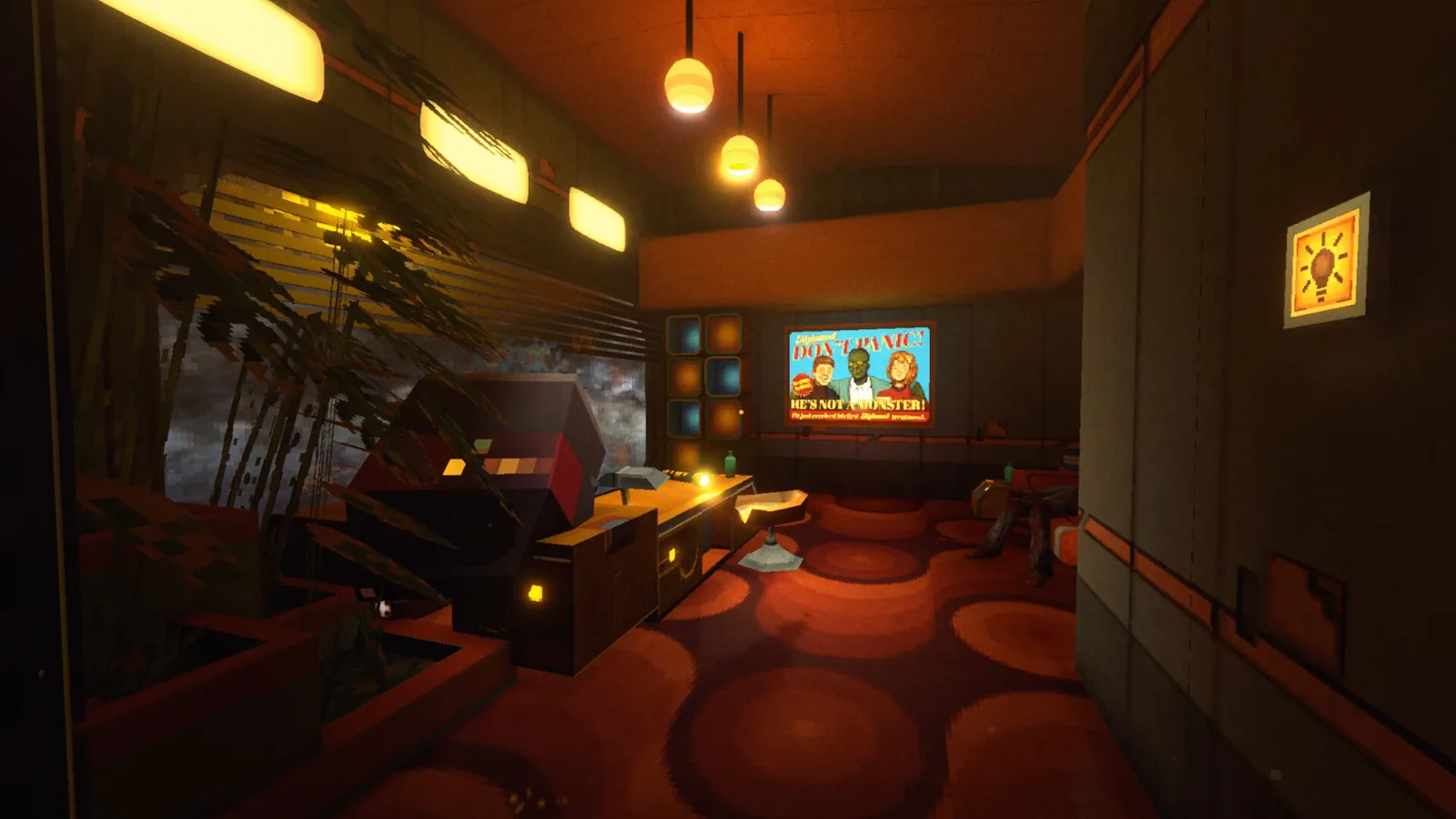
Players who want to explore Aurora 5 efficiently need to understand the RetroSpace map early. This guide explains how the retrospace map works, what it shows and hides, and how the interconnected station layout keeps navigation honest without waypoints. Community reports and official pages agree: the station is built for exploration, and the map is deliberately minimal. Whether you are a new janitor or a returning clone, knowing the map tools and the station layout will save you real time in this disco-punk immersive sim.
How the RetroSpace Map Works
Community reports from the Steam discussions describe a basic, functional tool. Players say the map is opened with the Tab button, although one user noted that no separate key binding seemed to exist for calling it up directly. Around the station, dedicated map terminals let you download map data for new areas, and later in the game a Map Attachment for the HUD adds a mini map to the bottom of the screen. Walkthrough writers describe that mini map as the navigation aid you will actually lean on while moving through the station.
The full map, by contrast, draws steady criticism. Here is what the sources say about each piece of the RetroSpace map toolkit.
| Map feature | What sources say | Source type |
|---|---|---|
| Full map | Opened with the Tab button | Community report |
| Map data | Downloaded from map terminals around the station | Walkthrough |
| Mini map | Added by the Map Attachment for the HUD | Walkthrough |
| Labels or markers | None shown, according to players | Community complaint |
| Zoom out | Not available, players say | Community report |
What the RetroSpace Map Shows and Hides
The bluntest verdict came from a Steam discussion posted on October 2, 2026, titled "The map is useless." The poster wrote that nothing is marked on the map, that it is clunky and annoying to use, and that scrolling it feels wrong because it cannot be zoomed out to show a larger view. Another player agreed that navigating the map is painful and asked for indicators for janitor closets at least, adding the summary "good game, bad map."
The developers have responded directly. Back in June 2026, developer Bank B. Varga wrote in the mini-map discussion that the team is thinking about placing special markers on the map and adding a fast-key to open it, and put both ideas on their nice to have list. On October 3, 2026, when another player posted that message logs, notes, and maps need work, the same developer replied "Noted, thank you!" So the map may improve, but nothing has been announced as of this writing.
| Player request | Developer status |
|---|---|
| Special markers on the map | On the nice to have list, June 2026 |
| Fast-key to open the map | On the nice to have list, June 2026 |
| Janitor closet indicators | Requested by players, no confirmed change |
| Better message log and map usability | Acknowledged by the developer, October 3, 2026 |
Aurora 5 Station Layout and Shortcuts
The official RetroSpace site at discopunk.space describes Aurora 5 as a massively interconnected and open station that you are free to explore. As you discover new areas, shortcuts and secret paths open up to previously visited locations, and everything connects through a mostly peaceful central HUB area where you can retreat whenever the madness gets to be too much. The official key features list calls the design Metroidvania-like, and the Steam store page adds secrets, alternate paths, and hidden areas to the same description.
That loop is real in practice. In the Into Indie Games walkthrough, the first unlocked door after your first enemy opens a shortcut straight back to the lobby where you found the early passwords. Later zones repeat the pattern, with crawlspaces, valves, and service doors offering alternate routes around obstacles like steam leaks and locked doors. The setting itself reinforces the maze: the story blurbs say the ship drifts in the void and constantly jumps between two time periods, with corridors infested by mutants. Getting lost is arguably part of the intended fiction, and one community commenter argued that feeling lost may be deliberate because your character just woke up with no idea where he is.
Navigating the Opening Hours: A Walkthrough Route
If you want a concrete retrospace map of the opening hours, the Into Indie Games walkthrough parts one and two, published on October 1 and 2, 2026, lay out the early route step by step.
| Step | Area | What to do |
|---|---|---|
| 1 | Stasis Chamber | Grab the Power Wrench and flashlight |
| 2 | Stasis distribution area | Check the pods and collect scrap and credits |
| 3 | Lower area | Extinguish the fire and explore the hatches |
| 4 | Console room | Connect the puddles and hit the electrical box |
| 5 | Shop terminal area | Hear the Janitor Closet code 0937 in an audio log |
| 6 | Security terminal | Enter the sticky note code 1477 |
| 7 | Nexus Plaza | Start the generator and ride the elevator back up |
| 8 | Upper route | Beat the first enemy and unlock the lobby shortcut |
The walkthrough also notes details that shape your early navigation. You pick the difficulty before starting and cannot change it later, and the A.U.C.S Helmet found near the top of the starting area is what gives you a HUD in the first place. After that, the walkthrough leads you through a door marked with angel symbols, toward the Nexus Plaza Garden, and eventually to the Head Gardener's office, where map terminals and the Map Attachment appear. Knowing this sequence helps you build a mental map even before the game gives you one, and it explains why so many players check walkthroughs while they learn the layout.
Map Terminals and HUD Attachments
The most useful discovery for navigation is the Map Attachment for the HUD. The walkthrough places it near a corpse by a map terminal close to the Head Gardener's office, and once collected, the mini map appears at the bottom of your screen. Separate map terminals elsewhere let you download map data, so checking terminals as you enter each zone is a habit worth forming.
Players have also suggested quality of life ideas. One June 2026 suggestion asked for discovered tunnels and vent shafts to appear on the map after you find them, which would make backtracking through crawlspaces much easier. For now, the practical advice from the community is to explore deliberately, use the central HUB as your anchor, and treat the mini map as your main aid. You can verify everything in this guide against the official pages: the official RetroSpace site and RetroSpace on Steam.
FAQ
How do I open the RetroSpace map?
Community reports say the full map opens with the Tab button, and map terminals around the station let you download map data for new areas as you reach them.
Does the RetroSpace map show labels or markers?
Not currently. Players report that nothing is marked, and they have asked for indicators for janitor closets and other landmarks. The developers said special markers and a map fast-key are on their nice to have list.
Why does the RetroSpace map feel clunky to use?
Players say the map cannot be zoomed out and must be scrolled with arrows, which feels awkward, and one player kept closing it by accident because the arrow controls feel so indirect. The developer acknowledged on October 3, 2026 that maps and message logs need work.
How do I get a mini map in RetroSpace?
Progress toward the Head Gardener's office, where a map terminal and the Map Attachment for the HUD add a mini map to the bottom of your screen.
Related Articles
Continue Reading
Enemies: Every Threat Type on Aurora 5 Explained
A practical guide to retrospace enemies: how Aurora 5 threats behave, which ones appear early, and how community guides suggest handling mutated bosses.
GuidesGuide: Surviving Aurora 5 From Start to Finish
This RetroSpace guide covers difficulty and save options, Mutamods, cloning and death, plus exploring Aurora 5, written for janitors in the launch week.
GuidesHours: How Long to Beat and Playtime Guide
Wondering how many retrospace hours to budget? Compare official developer estimates, review playtimes and player reports for this disco-punk immersive sim.